
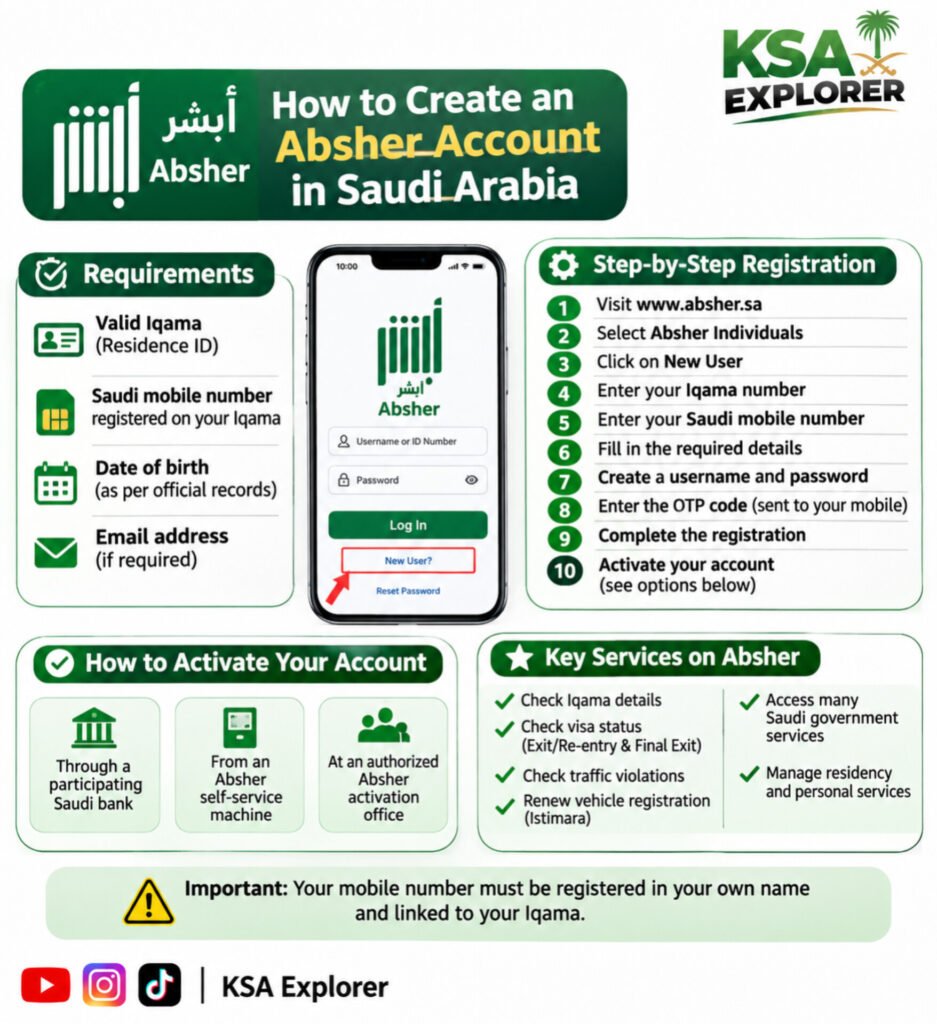
Are you new to Saudi Arabia? Do you want to create your Absher account? Here is a simple step-by-step guide.
📌 Requirements to Open an Absher Account
- Valid Iqama (Residence ID).
- Active Saudi mobile number registered under your Iqama.
- Date of birth registered in official records.
- Valid personal information.
- An email address (if requested during registration).
📱 How to Create Your Absher Account
- Visit the official Absher website: https://www.absher.sa
- Select Absher Individuals.
- Click on New User.
- Enter your Iqama number.
- Enter your registered Saudi mobile number.
- Provide the required personal details.
- Create your username and password.
- Enter the OTP verification code sent to your mobile.
- Complete the registration process.
- Activate your account using an available activation method.
🔐 How to Activate Your Absher Account
You can activate your account through supported methods, such as:
- Participating Saudi bank services.
- Absher self-service machines.
- Authorized Absher activation offices.
- Other available official activation methods.
⭐ What Can You Do With Absher?
- Check Iqama information.
- Check exit and re-entry visa status.
- Check final exit visa status.
- Check traffic violations.
- Renew vehicle registration (Istimara).
- Access many Saudi government services.
- Manage various residency-related services.
⚠️ Important Information: Your mobile number must be registered in your own name and linked to your Iqama. Never share your OTP or Absher password with anyone.
🌐 Official Website: https://www.absher.sa
📢 Follow KSA Explorer for more Saudi Arabia news, updates, government services and useful tutorials.
#Absher #SaudiArabia #Iqama #SaudiLife #AbsherRegistration #SaudiGovernmentServices #KSAExplorer #SaudiArabiaGuide