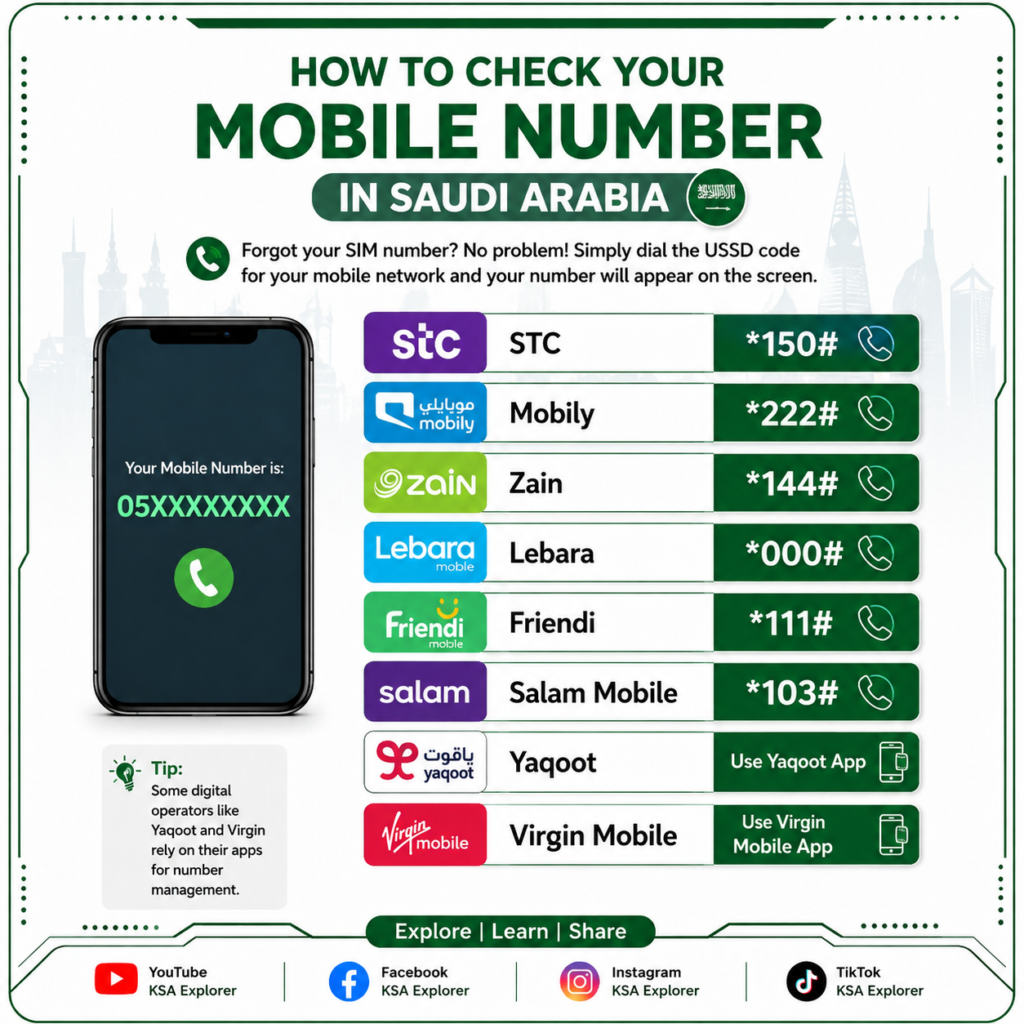
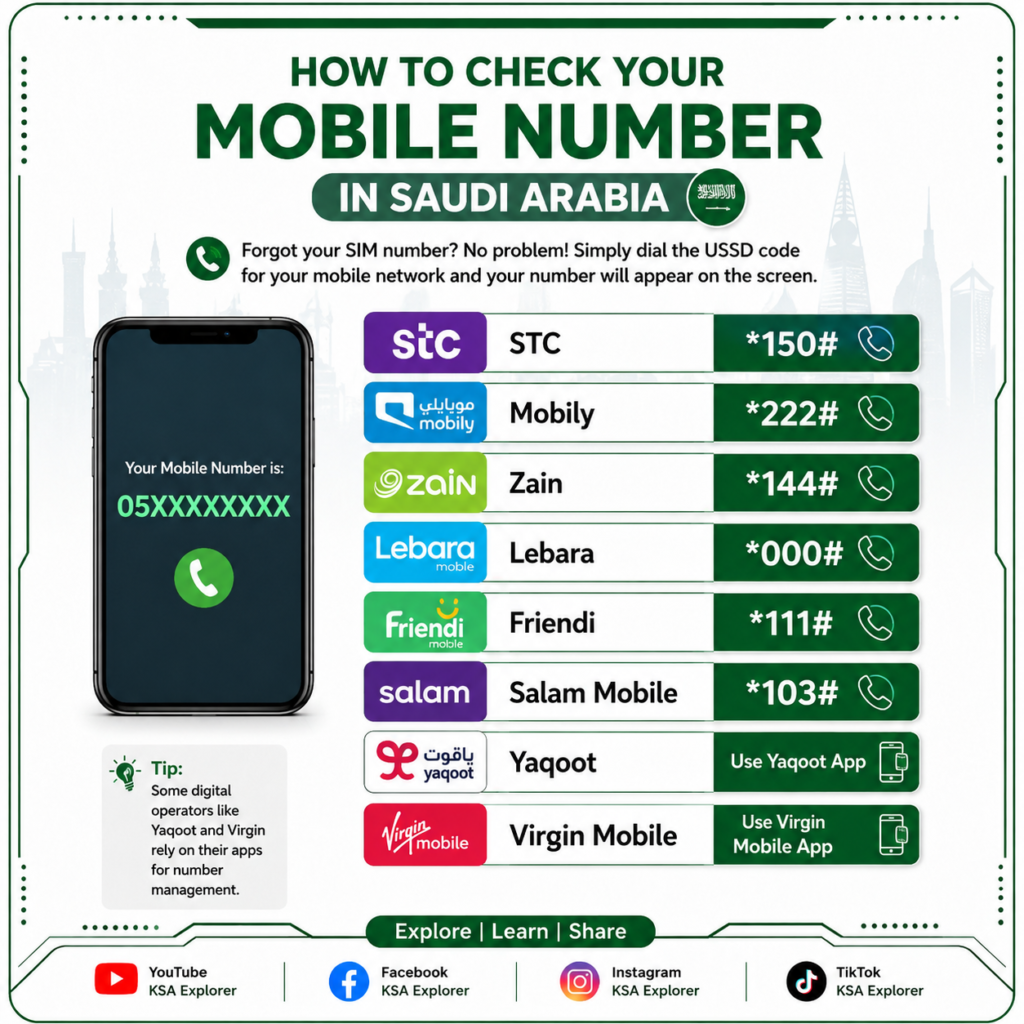
Have you forgotten your Saudi mobile number? Don’t worry! Every major telecom operator in Saudi Arabia provides an easy way to check your SIM number using a simple USSD code or their official mobile app.
This guide covers the most popular mobile operators, including STC, Mobily, Zain, Lebara, Friendi Mobile, Salam Mobile, Yaqoot, and Virgin Mobile.
Check Your Mobile Number by Network
Mobile Operator
USSD Code
Alternative Method
STC
*150#
mystc App
Mobily
*222#
Mobily App
Zain
*144#
My Zain App
Lebara
*000#
Lebara App
Friendi Mobile
*111#
Friendi App
Salam Mobile
*103#
My Salam App
Yaqoot
Use the Yaqoot App
Digital service (No standard USSD)
Virgin Mobile
Use the Virgin Mobile App
App-based service
Important Note
Some digital operators, such as Yaqoot and Virgin Mobile, mainly provide account information through their official mobile applications instead of USSD codes. If a USSD code does not work, simply log in to the operator’s app to view your mobile number.
Frequently Asked Questions
How can I check my STC number?
Dial *150# from your STC SIM.
How do I check my Mobily number?
Dial *222#.
How do I find my Zain number?
Dial *144#.
Can I check my Yaqoot or Virgin Mobile number using a USSD code?
These operators primarily support account management through their official mobile apps.
Conclusion
Checking your Saudi mobile number is quick and easy. Simply dial the correct USSD code for your network or use your provider’s official app if you’re using a digital operator.
Stay connected with KSA Explorer for more Saudi Arabia guides, telecom tips, and the latest updates for residents and visitors.